In today digitally connected world, protecting business networks from cyber threats has become more important than ever. Organizations handle sensitive customer information, financial records, business applications, and confidential data every day. Without proper security measures, these resources can become targets for cybercriminals.
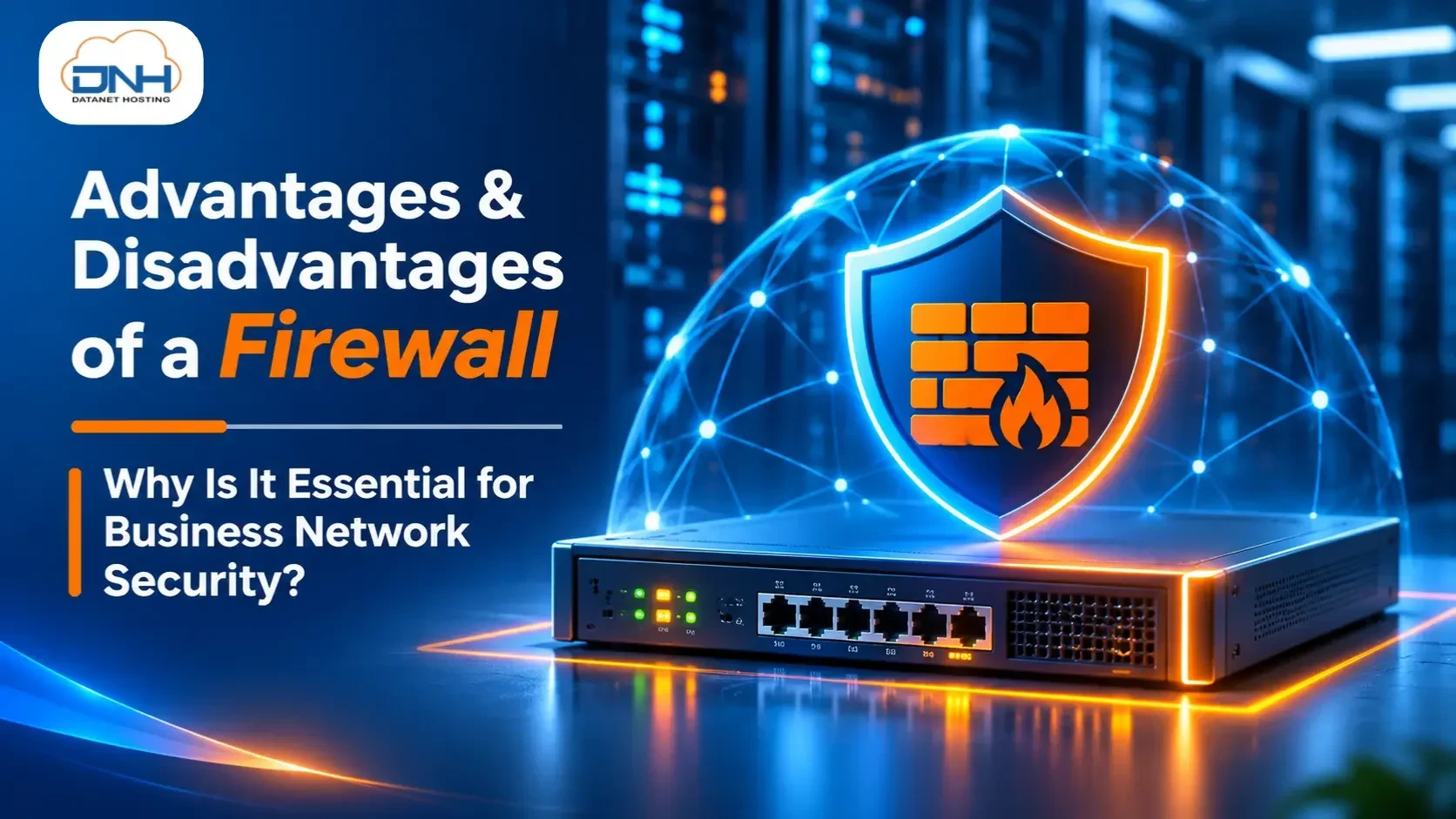
A firewall plays a critical role in network security by monitoring incoming and outgoing traffic and controlling access based on predefined security policies. It helps organizations prevent unauthorized access, identify suspicious activities, and reduce exposure to cyber threats.
Modern firewall solutions, such as Next-Generation Firewalls (NGFWs), offer advanced security capabilities that go beyond traditional traffic filtering.
Let's explore the major advantages and disadvantages of firewalls and understand how FortiGate Firewall by Fortinet can help businesses strengthen their network security.
A firewall is a network security solution that monitors and controls incoming and outgoing network traffic based on established security rules. It creates a security barrier between trusted internal networks and untrusted external networks, such as the internet.
Firewalls can be implemented as hardware appliances, software applications, cloud-based solutions, or virtual network security systems.
Modern Next-Generation Firewalls provide additional capabilities, including intrusion prevention, application control, web filtering, and advanced threat protection.
One of the primary functions of a firewall is to monitor incoming and outgoing network traffic. When information travels across a network, it is transmitted in small units called data packets.
A firewall examines these packets according to predefined security rules and identifies suspicious or unauthorized connections. This helps organizations maintain better visibility and control over their network activities.
Firewalls help protect business networks by controlling communication between trusted and untrusted systems. Advanced Next-Generation Firewalls can identify suspicious network behaviour, block malicious connections, and help prevent certain cyberattacks.
They also support security mechanisms that help organizations reduce their exposure to external threats.
Malware, ransomware, Trojans, and other malicious programs can compromise business systems and expose confidential information.
Advanced firewalls can help identify malicious downloads, block communication with known malicious servers, and prevent certain malware-related network activities.
However, firewall protection should be combined with antivirus and Endpoint Detection and Response (EDR) solutions for stronger security.
Firewalls allow organizations to define access policies for specific users, devices, IP addresses, applications, ports, and network services.
These controls help restrict unauthorized access to critical systems and ensure that employees and external users can access only the resources permitted by their security policies.
Firewalls improve network security by blocking unauthorized connections and monitoring suspicious data transfers.
Enterprise firewall solutions can also support encrypted traffic inspection and integrate with Data Loss Prevention (DLP) systems to help protect sensitive business information from unauthorized disclosure.
Although firewalls are essential for network security, they also have certain limitations that businesses should consider.
Basic firewall capabilities are available in most modern operating systems. However, enterprise-grade firewall solutions require investment in hardware, software licensing, subscriptions, implementation, and ongoing maintenance.
Organizations may also need skilled IT professionals to configure and manage advanced firewall security features.
Firewalls control network access based on predefined security policies. However, overly restrictive configurations can sometimes block legitimate websites, applications, or business services.
Incorrectly configured firewall rules may affect employee productivity and interrupt normal business operations.
Modern firewalls are designed to handle large volumes of network traffic. However, advanced security features such as Deep Packet Inspection (DPI), SSL/TLS inspection, and Intrusion Prevention Systems (IPS) require additional processing resources.
Depending on network traffic and hardware capacity, these features may affect network performance.
Managing an enterprise firewall requires technical expertise and continuous monitoring.
Security teams must regularly review firewall policies, update configurations, investigate security alerts, and ensure that the firewall is operating effectively.
Large organizations may require dedicated network security professionals to manage complex firewall environments.
A firewall alone cannot protect an organization from every cybersecurity threat.
Phishing attacks, compromised credentials, insider threats, and malware introduced through infected endpoints may bypass traditional firewall protection.
Therefore, businesses should implement a layered cybersecurity strategy that combines firewalls with endpoint security, email security, access management, and continuous monitoring.
When it comes to enterprise network protection, FortiGate Next-Generation Firewall (NGFW) by Fortinet provides advanced security capabilities to help organizations defend against evolving cyber threats.
FortiGate combines network firewall protection with multiple security technologies, helping businesses monitor network traffic, control application access, prevent unauthorized connections, and strengthen their overall security infrastructure.
Advanced Threat Protection
Helps identify and block malicious network traffic, suspicious connections, and known cyber threats using integrated security and threat intelligence capabilities.
Intrusion Prevention System (IPS)
Monitors network traffic to detect and block known vulnerabilities and suspicious attack patterns.
Application Control
Provides visibility into network applications and allows administrators to control application usage based on organizational security policies.
Web Filtering
Helps organizations restrict access to malicious websites and unwanted web content, reducing exposure to online threats.
Secure VPN Connectivity
Supports secure remote access and site-to-site connectivity, helping employees and business locations communicate securely.
Centralized Security Management
Helps IT administrators manage firewall policies, monitor network activity, and maintain security configurations across supported environments.
Datanet Hosting is an official Fortinet partner, helping businesses explore enterprise-grade firewall solutions to strengthen their network security and protect critical IT infrastructure.
With FortiGate Firewall solutions, organizations can improve network visibility, control unauthorized access, and implement security policies aligned with their business requirements.
Datanet Hosting helps businesses with:
Network Security Infrastructure
Firewall Deployment and Configuration
Network Access Control
Security Policy Management
Firewall Monitoring and Management
Whether you are a growing business or an established enterprise, choosing the right firewall solution is an important step towards building a secure IT environment.
Firewalls remain one of the most important components of modern network security. They help organizations monitor network traffic, control access, prevent malicious connections, and protect sensitive business information.
However, traditional firewall protection alone may not be sufficient to address today's sophisticated cyber threats. Businesses should consider advanced Next-Generation Firewall solutions and adopt a layered approach to cybersecurity.
With FortiGate Firewall by Fortinet and Datanet Hosting official Fortinet partnership, businesses can take a proactive approach towards strengthening their network security.