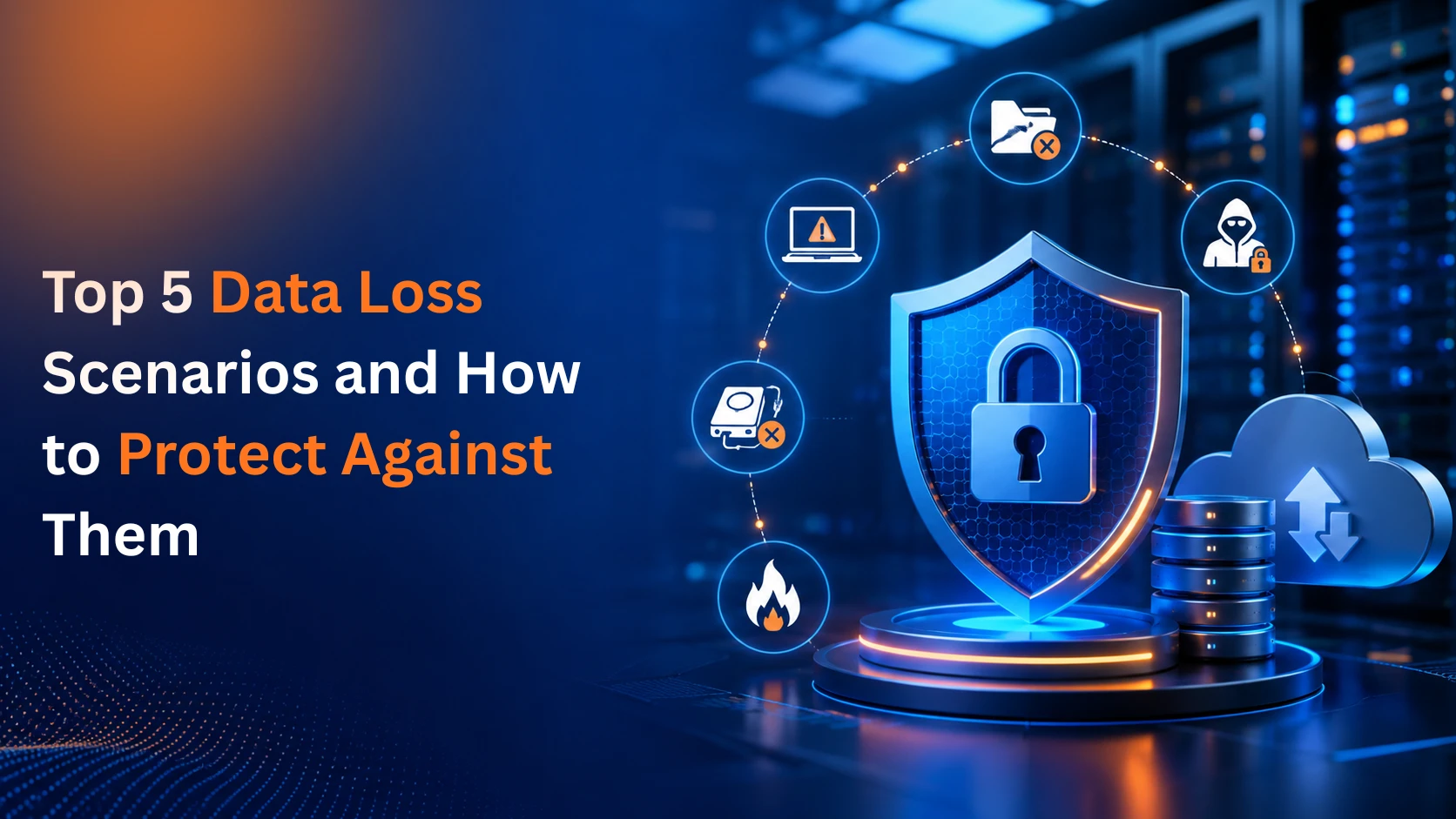
Losing business data is rarely a single dramatic event it's usually a quiet failure that turns into a very loud problem. A crashed drive, a phishing email, a distracted employee, a monsoon-flooded server room any one of these can wipe out records, invoices, customer data, or years of project history in minutes. And for many small and mid-sized businesses, a serious data loss incident isn't just inconvenient it's the kind of setback some never fully recover from.
The good news: almost every common cause of data loss can be planned for with the right data protection and backup solutions. Below are the five scenarios we see most often at Datanet Hosting, along with the backup and recovery strategies we put in place for our clients to make sure "we lost everything" never becomes part of their story.
Ransomware remains one of the biggest threats to business continuity. Attackers encrypt your files and demand payment for the decryption key and increasingly, they also steal a copy of your data first, threatening to leak it even if you do pay. Many modern strains specifically hunt for backup files and connected storage, trying to destroy your recovery options before locking down your systems.
How we protect against it: Datanet Hosting's Acronis Cloud Backup includes AI-driven ransomware detection that watches for suspicious file behavior in real time and can halt an attack before it spreads. Backups are also stored in an immutable format, meaning once a file is backed up, ransomware cannot reach in and encrypt or delete that copy. Combined with our managed malware and ransomware protection services and regular vulnerability assessments, this gives you both a shield against the attack and a clean copy to restore from if one ever gets through.
Drives fail. It's not a matter of if, but when. SSDs and hard drives have a finite lifespan, and failure can come on gradually with slowdowns and odd noises, or without any warning at all a power surge, a manufacturing defect, or simple wear. When a drive dies, whatever wasn't backed up typically goes with it.
How we protect against it: Our server backup solutions run automatically hourly, daily, or continuously depending on how critical the data is so a hardware failure only costs you minutes of data, not months. Backups can be mirrored across local storage, network-attached storage, and the cloud, so a single failed device is never a single point of failure. For full system recovery, our infrastructure supports disk imaging and restoration to different hardware, so a dead server doesn't mean rebuilding everything from scratch.
Not every data loss event involves a hacker. Someone empties a recycle bin without checking it first. A shared file gets overwritten. A script runs against the wrong folder. These mistakes are common precisely because they're so ordinary and they're often not noticed until the missing file is needed weeks later.
How we protect against it: Version history is built into our endpoint backup approach, so you're never stuck with only the most recent (possibly already-overwritten) copy of a file. Our recovery tools let you browse backup archives and pull back a single email, folder, or document including full email backup and recovery for Microsoft 365 or Google Workspace mailboxes without restoring an entire system. For businesses running mission-critical applications, we also offer near-continuous backup intervals that shrink the recovery window to seconds rather than a full day's work.
Floods, fires, power surges, and even simple water leaks can destroy on-site servers in an instant. If your only backup lives in the same building as your production systems, a single physical event can take out both at once which is exactly the scenario that closes businesses permanently.
How we protect against it: Datanet Hosting follows the 3-2-1 backup principle as standard practice: three copies of your data, stored on two different types of media, with at least one copy kept offsite. Our disaster recovery planning runs across geographically separated data centers, so a fire or flood at your office has zero effect on your backed-up data. Everything is encrypted in transit and at rest, meaning your offsite copies stay both safe and private. If disaster strikes, you can spin up operations on new hardware, in a new location, without waiting on a damaged building.
Sometimes the hardware is fine, but the data still becomes unreachable. A failed update, a bad patch, or a crash mid-write can corrupt files or leave an entire operating system unable to boot. In these cases, your files may technically still exist you just can't get to them without a full recovery process.
How we protect against it: Our backup solutions capture complete system images, not just files, so a corrupted OS can be rolled back to a known-good state applications, settings, and data included. Backup integrity checks run automatically to confirm that what's stored is actually restorable, not just present. And for worst-case scenarios where a system won't boot at all, our infrastructure supports full recovery onto clean hardware.
Every business will face one of these scenarios eventually. The difference between a minor disruption and a business-ending event usually comes down to one thing: whether a reliable, tested backup was already in place before it happened.
At Datanet Hosting, data protection isn't an add-on it's built into how we run infrastructure for our clients, from Acronis Cloud Backup and server backup to full disaster recovery planning and business continuity solutions. Whether you're running a single business website or a fleet of dedicated servers, we can help you put a backup strategy in place that matches your actual risk — not just a generic checkbox.
Want to know how protected your current setup really is? Talk to our team for a free review of your backup and disaster recovery posture.