
Every business, no matter its size, runs on data customer records, financial files, project documents, emails, and more. Losing that data, even for a few hours, can bring operations to a halt. Hardware crashes, ransomware attacks, accidental deletions, and natural disasters don't send a warning before they strike.
That's why more businesses are moving away from manual, on-premise backups and turning to cloud-based solutions like Acronis Cloud Backup. In this guide, we'll break down what it is, how it works, and why it might be the right fit for your organization's data protection strategy.
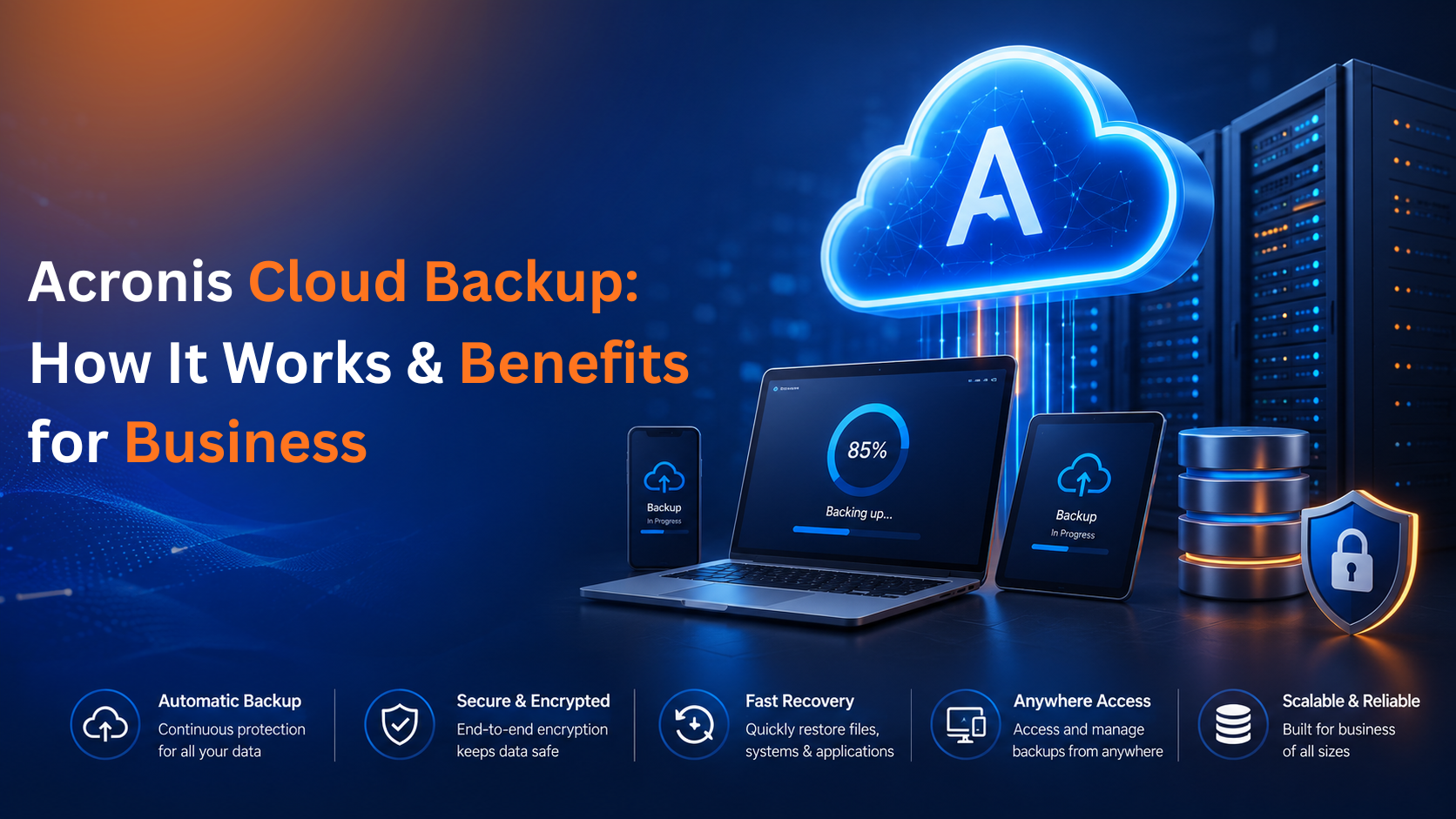
Acronis Cloud Backup is a cloud-based data protection service that automatically copies and stores your business data files, servers, virtual machines, applications, and endpoint devices in secure, offsite cloud storage. If something goes wrong on your end, you can restore that data quickly instead of starting from scratch.
What sets Acronis apart from a typical backup tool is that it doesn't stop at backup. It bundles in cybersecurity features like malware scanning and ransomware protection, so your backup data isn't just stored it's actively defended. This makes it a good fit for businesses that want data protection and cyber resilience working together rather than as two separate tools.
It also works across mixed environments, which matters for most businesses today. Whether you're running physical servers, virtual machines, cloud workloads, or a combination of all three, Acronis is built to cover it.
A few years ago, backup was often treated as an IT afterthought something you set up once and rarely revisited. That's changed. Threats have gotten more sophisticated, data volumes have exploded, and downtime has become far more expensive.
Common causes of data loss businesses face today include:
A cloud backup strategy protects against all of these by keeping copies of your data somewhere entirely separate from your primary systems. If your office server goes down or gets encrypted by ransomware, your data isn't gone it's sitting safely in the cloud, ready to be restored.
The process is designed to run quietly in the background once it's set up, without requiring your team to think about it day to day. Here's the general flow:
1. Deploying the backup agent A lightweight agent is installed on whatever you want protected a Windows or Linux server, a workstation, a virtual machine, or even cloud apps like Microsoft 365 and Google Workspace. This agent handles the communication between your device and the Acronis cloud console.
2. Setting up a backup policy From there, you (or your IT provider) define the rules: how often backups run, how long data is retained, where it's stored, and how it's encrypted. These policies can be applied to a single device or rolled out across your entire fleet at once.
3. Running backups automatically Once the policy is active, backups happen on schedule without manual intervention. Acronis supports full backups (a complete copy), incremental backups (only what's changed since the last backup), and differential backups which helps keep storage costs down while still capturing every change.
4. Encrypting and transferring data Before your data ever leaves the device, it's encrypted. It then travels over a secure connection to cloud storage, so it's protected both in transit and at rest.
5. Restoring when needed When something does go wrong, recovery can happen at whatever level you need a single file, a folder, an entire server image, or a full virtual machine often within minutes rather than hours or days.
Ransomware defense built in. Acronis actively monitors for suspicious behavior on protected devices as part of a broader malware and ransomware protection strategy. If it detects a ransomware-style attack in progress, it can block the process and automatically roll back any files that were affected.
Encryption throughout. Data is encrypted before it's transmitted and while it sits in storage, so only authorized users can access it.
One dashboard for everything. IT teams don't need to jump between tools to check on different devices. A single console shows backup status, storage consumption, alerts, and recovery activity across the whole environment.
Flexible recovery paths. Depending on the situation, you can do a bare-metal restore, recover an individual file, bring back a whole disk image, or restore a virtual machine without over-restoring more than you actually need.
Set-and-forget scheduling. Backups can run hourly, daily, weekly, or on a custom cadence, removing the risk of someone simply forgetting to back things up.
Beyond the technical mechanics, here's what it actually means for your business:
These terms get used interchangeably, but they're not quite the same thing. Backup is about making copies of your data so it can be restored. Disaster recovery is broader it's about getting your entire business back up and running after a major disruption, which might include restoring servers, applications, and network access, not just files.
Acronis covers both ends of that spectrum, which is part of why it's positioned as a business continuity tool rather than just a backup utility.
Short answer: almost any business that depends on digital data to operate, which today is nearly everyone. That said, it tends to be especially valuable for:
Cloud backup only delivers value if it's configured correctly for your environment the right retention periods, the right encryption settings, and a recovery plan that's actually been tested (not just assumed to work). Pairing your backup strategy with a periodic security assessment and vulnerability testing is also a good way to catch gaps before an attacker does. A few best practices worth keeping in mind:
Setting up and managing a backup strategy across servers, endpoints, and cloud apps can get complex fast especially if it's not your team's full-time job. That's where DataNet Hosting comes in.
We help businesses design, deploy, and manage Acronis Cloud Backup solutions that fit their infrastructure and budget, so you're not left guessing whether your data is actually protected. From initial setup to ongoing backup monitoring and management, our team handles the details so you can focus on running your business.
Ready to protect your business data? Get in touch with DataNet Hosting today to find the right backup and recovery solution for your organization.