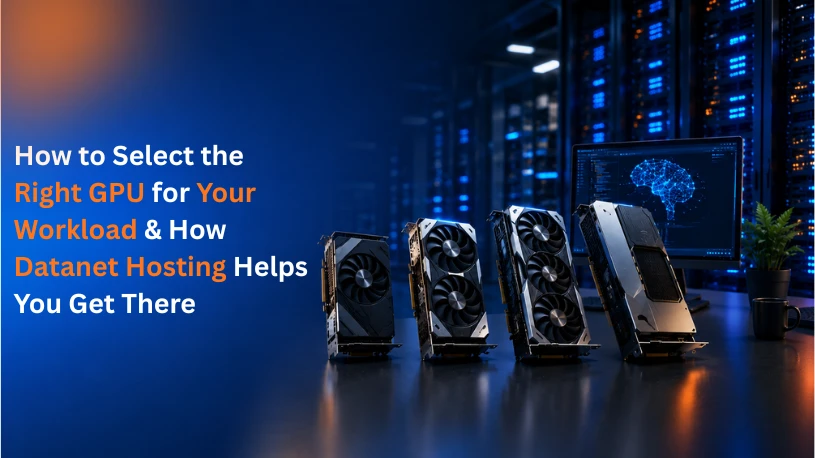
GPUs have moved far beyond gaming rigs and design studios. Today, they power AI model training, real-time inference, video rendering, scientific simulation, and large-scale data analytics. As demand for compute grows, choosing the wrong GPU can mean wasted budget, slow project timelines, or infrastructure that simply can't keep up.
Industry analysis shows that GPU-accelerated workloads from generative AI to 3D rendering can cut processing time from hours to minutes compared to CPU-only systems. But that performance gain only shows up when the GPU actually matches the workload. A model-training team doesn't need the same setup as a video editor, and a startup running inference at scale has very different priorities than an enterprise running Monte Carlo simulations.
In this article, we break down the key factors to evaluate before choosing a GPU, match common workloads to the right GPU class, and explain how Datanet Hosting's GPU Cloud Servers help you get enterprise-grade compute without the capital cost of buying hardware.
A Graphics Processing Unit (GPU) is a specialized processor built to handle thousands of parallel calculations simultaneously, unlike a CPU, which is optimized for sequential tasks. This parallel architecture makes GPUs ideal for workloads involving large matrices, high-resolution graphics, or repetitive mathematical operations exactly what AI training, deep learning inference, and rendering pipelines require.
Selecting the wrong GPU can lead to:
Understanding your workload first is the foundation of making the right choice. We explain how to do that in the next section.
The single biggest factor in GPU selection is what you're actually running. Broadly, workloads fall into a few categories:
Matching the GPU class to the workload prevents both underperformance and unnecessary overspending.
VRAM determines how much data model parameters, images, video frames, or datasets a GPU can hold and process at once. Insufficient VRAM is one of the most common bottlenecks in AI and rendering projects.
GPU performance is driven by the number and generation of cores CUDA cores, Tensor cores, or RT cores, depending on the vendor and use case. Newer architectures deliver significantly more performance per watt, which affects both processing speed and operating cost over time.
Bandwidth determines how quickly data moves between memory and processing cores. For workloads that process massive datasets or high-resolution media, high memory bandwidth prevents the GPU from sitting idle while waiting on data a common hidden bottleneck that raw core count doesn't reveal.
High-performance GPUs draw significant power and generate substantial heat. If you're considering on-premises hardware, you'll need to account for:
This is one of the main reasons organizations increasingly shift GPU-intensive workloads to the cloud.
Buying GPU hardware outright makes sense for organizations with sustained, predictable workloads and in-house infrastructure teams. But for most businesses especially startups and teams scaling AI initiatives cloud GPUs offer clear advantages:
The sticker price of a GPU is only part of the equation. Factor in power consumption, cooling, maintenance, depreciation, and the opportunity cost of idle hardware between projects. Cloud GPU pricing, by contrast, ties cost directly to usage.
AI and data workloads rarely stay static. A GPU setup that works today may not support tomorrow's larger models or higher user traffic. Choosing infrastructure that allows you to scale GPU count, VRAM, or generation without a full hardware overhaul protects your investment long-term.
Datanet Hosting provides GPU Cloud Servers built for AI training, inference, rendering, and other compute-intensive workloads without the cost and complexity of managing physical hardware.
Datanet Hosting's GPU cloud servers, including configurations powered by NVIDIA H100 GPUs, are designed to support demanding AI, deep learning, and data processing workloads with the compute and memory capacity these projects require.
Instead of committing to hardware upfront, businesses can deploy GPU cloud servers matched to their current project size and scale as workloads grow whether that means adding GPU capacity, increasing VRAM allocation, or expanding to multi-GPU configurations.
GPU workloads are hosted on infrastructure built for high availability, with the networking, storage, and cooling needed to keep intensive workloads running without performance bottlenecks.
Datanet Hosting's technical support helps teams choose the right GPU configuration for their specific use case and assists with deployment, so internal teams can focus on their models and projects rather than infrastructure management.
Start by clearly defining your workload type and performance requirements
Choosing the right GPU isn't about picking the most powerful option available it's about matching compute power, memory, and infrastructure to your actual workload and growth plans. Whether you're training AI models, running inference at scale, rendering high-resolution video, or processing large datasets, the right GPU strategy saves both time and budget.
Ready to deploy the right GPU for your project? Datanet Hosting can help you assess your workload and configure the right GPU Cloud Server for your needs. Contact our experts today to get started.