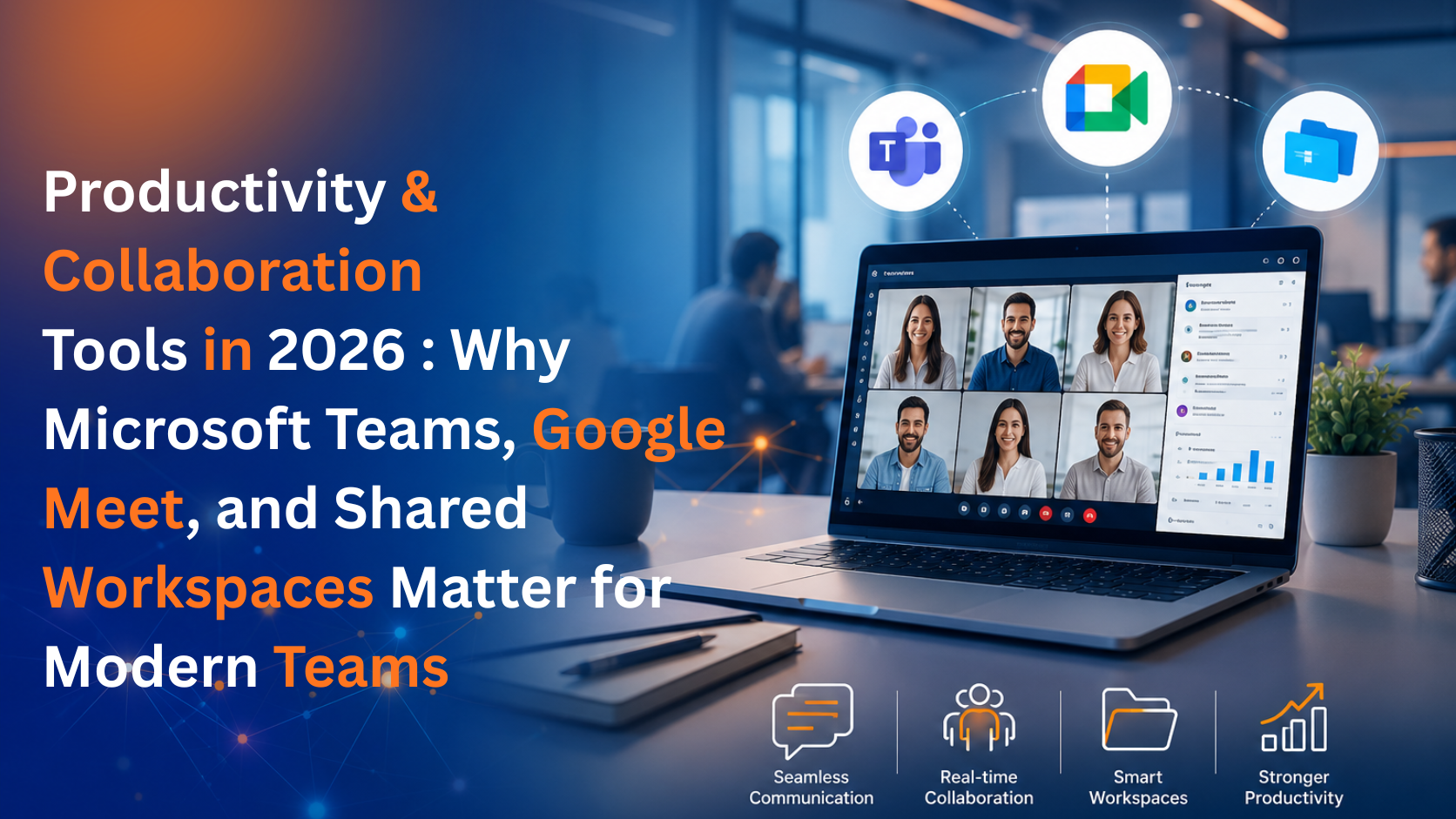
Remote and hybrid work aren't going anywhere in 2026, and the businesses thriving in this environment are the ones with the right collaboration stack in place. Scattered emails missed meeting invites, and version-confused documents don't just slow teams down they cost real money and morale. At Datanet Hosting, we help businesses bring the right productivity and collaboration tools together so teams can get work done, wherever they're working from.
Microsoft Teams has become a central hub for many organizations, combining chat, video calls, file sharing, and app integrations in one place. Instead of switching between five different tools to message a colleague, join a call, and pull up a shared file, Teams keeps it all under one roof. For businesses already using Microsoft 365, Teams integrates tightly with Outlook, SharePoint, and Office apps, making adoption smoother and reducing the learning curve for staff.
For teams built around Google Workspace, Google Meet offers fast, browser-based video conferencing without the friction of downloads or complicated setup. It's especially useful for quick check-ins, client calls, and cross-team meetings where simplicity matters more than a long list of features. Meet's tight integration with Google Calendar also means scheduling and joining calls takes just a click.
A shared calendar sounds simple, but it solves a real problem: knowing who's available, when. Shared calendars reduce the back-and-forth of scheduling, prevent double-booked meeting rooms, and give managers visibility into team workloads. For distributed teams working across time zones, a well-organized shared calendar is often the difference between smooth coordination and constant scheduling chaos.
Beyond chat and video, modern teams need a shared space to organize projects, track tasks, and keep everyone aligned. Collaboration workspaces bring conversations, files, and project timelines together, cutting down on the "where did that update go?" problem that plagues teams relying purely on email threads.
Real-time co-authoring has changed how teams create content together. Instead of emailing versions back and forth and losing track of which file is current, multiple people can edit the same document simultaneously, see changes as they happen, and leave comments directly in context. This alone eliminates a huge amount of the confusion and delay that used to come with collaborative writing and editing.
The real value comes from these tools working together on infrastructure that's fast, secure, and reliable. Slow servers or unstable connections can undercut even the best collaboration software, turning a quick video call into a frustrating, laggy experience which is why pairing your collaboration stack with dependable enterprise hosting matters just as much as the software itself.
If you're ready to set your team up with a productivity and collaboration stack built for how people work in 2026, reach out to our team and we'll help you find the right setup for your business.