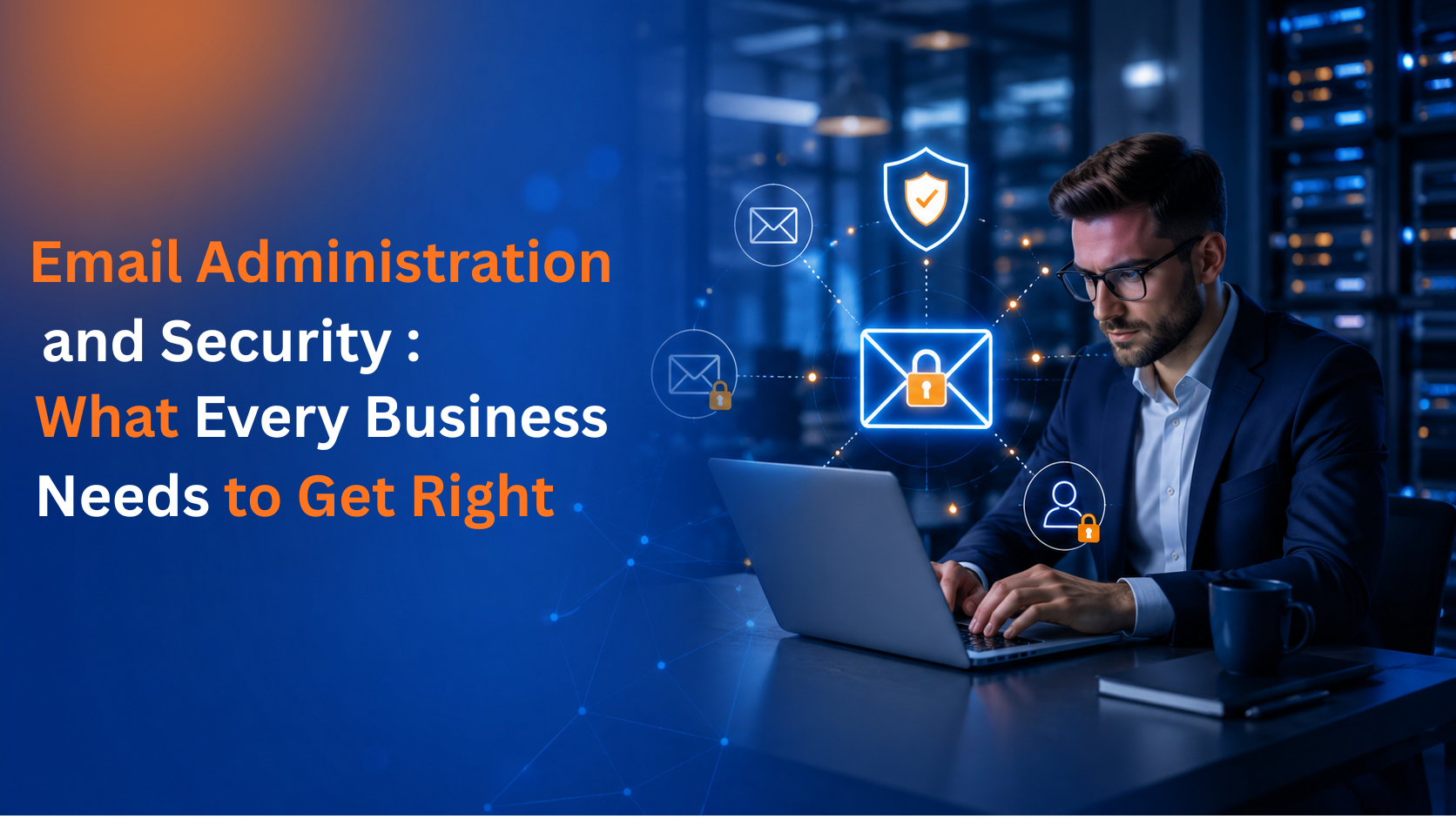
Business email carries more risk than most companies realize. It's where invoices get approved, credentials get shared, and confidential conversations happen every single day. It's also one of the most common entry points for cyberattacks, yet many organizations still treat email as something to set up once and leave alone.
Proper email administration and security isn't a single task. It's an ongoing combination of account management, safe migrations, reliable backups, threat filtering, and compliance controls. Here's what that actually involves and why each piece matters.
Every employee who joins, changes roles, or leaves a company creates work on the email side. Someone has to provision a new mailbox, assign the right license, adjust permissions, or deactivate an account that's no longer needed. When this is handled inconsistently, two problems tend to show up.
The first is wasted spend. Unused or duplicate licenses quietly add up on the monthly bill, especially in organizations with frequent staff turnover. The second is security exposure. An account that should have been deactivated but wasn’t an open door that nobody's watching.
Centralized user and license management solves both issues by giving IT a single, accurate view of who has access to what, so mailboxes are provisioned correctly from day one and closed out the moment they're no longer needed.
Moving email platforms, whether it's switching providers, consolidating domains after an acquisition, or upgrading to a new system, is one of those projects that sounds simple until it isn't. Mailboxes, calendars, contacts, and years of attachments all need to move over accurately, and any downtime during the process means missed messages and frustrated employees.
A well-planned migration keeps data intact and timing tight, so the switch happens with little to no interruption to daily work. The difference between a smooth migration and a messy one usually comes down to planning: mapping out accounts in advance, running the transfer in stages, and verifying that nothing got left behind before the old system is switched off.
Email backup often gets overlooked because platforms like Microsoft 365 and Google Workspace already store data in the cloud. But native retention isn't the same as a real backup. Accidental deletions, malicious insiders, corrupted mailboxes, and ransomware can all result in permanent data loss if there's no independent copy to restore from.
A solid backup and recovery setup takes automated snapshots of mailboxes and attachments on a regular schedule and keeps them separate from the live environment. If something goes wrong, whether it's one employee deleting an important thread or an entire domain getting compromised, recovery should be fast and shouldn't depend on hoping the platform's built-in retention window was long enough.
Phishing emails have gotten harder to spot. Many no longer look like the obvious scams of a few years ago; they mimic real vendors, real coworkers, and even real login pages. A single employee clicking the wrong link can lead to stolen credentials, a ransomware infection, or a wire transfer sent to the wrong account.
Effective spam and malware protection filters messages before they ever reach an inbox, screening for known malware signatures, suspicious attachments, and phishing patterns. Good filtering also adapts over time, learning from new threats rather than relying on a static blocklist that attackers have already learned to get around.
For businesses in healthcare, finance, or any regulated industry, email isn't just a communication tool, it's part of the compliance picture. Encryption, access controls, and audit trails aren't optional extras; they're often required to meet legal and industry standards.
This is where email security and compliance controls come in: encrypting messages in transit and at rest, restricting access based on role, and keeping detailed logs that can be produced during an audit. Getting this right protects the business from both a security standpoint and a regulatory one.
It's tempting to think of user management, migration, backup, spam filtering, and compliance as separate checkboxes. In practice, they work best as a connected system. A poorly managed user account undermines backup coverage. A rushed migration creates compliance gaps. Weak spam filtering increases the odds that backup and recovery will actually get used.
Handling all of it under one managed service, rather than juggling separate tools and vendors, means fewer gaps between the pieces and one team that understands the full picture of your email environment.
At DataNet Hosting, we manage the full lifecycle of business email, from provisioning and license optimization to zero-downtime migrations, automated backup, advanced spam and malware filtering, and compliance-ready security controls. Our team handles the day-to-day details with 24x7 support, so your inbox stays productive, protected, and audit-ready without adding extra work to your internal IT team.